
Choose to display the additional information for the single product and style the element with the tools available
Style Tab
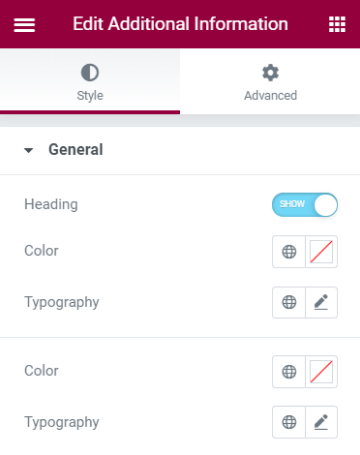
General
- Heading - Choose to either show or hide the heading of the additional information element
- Color - Set the color for the heading
- Typography - Tweak the typography options for the heading
- Color - Select a color for the additional information text
- Typography - Tweak the typography options for the additional information text
Set the settings for the Advanced Tab that is appropriate for the element.
