
Style and design the product meta-information using the Product Meta Element into the Single Product page.
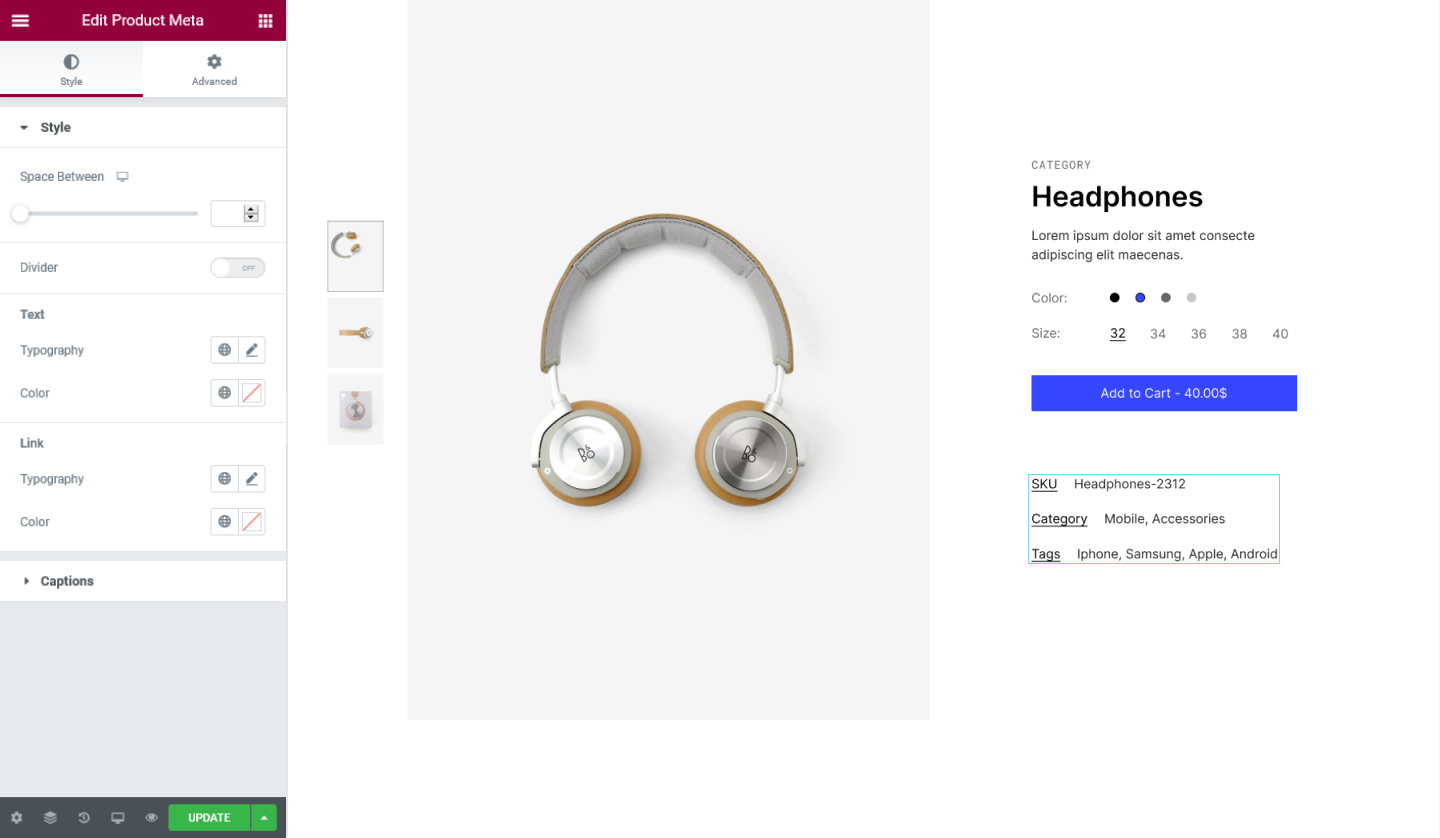
Style Tab
Style
- Space Between - Set the space between the metadata of the product
- Divider - Choose to display a divider between the metadata
- Style - Choose a style for the divider you can select from Solid, Double, Dashed, and Dotted
- Weight - Set the weight of the divider
- Height - Set the height fo the divider
- Color - Set the color for the divider
Text
- Typography - Tweak the typography options for the metadata text
- Color - Set the color for the metadata text
Link
- Typography - Tweak the typography options for the link
- Color - Set the color for the link
Captions
Category
- Singular - Enter the name for the category in singular
- Plural - Enter the name for the categories in plural
Tag
- Singular - Enter the name for the tag in singular
- Plural - Enter the name for the tags in plural
SKU
- SKU - Set the name for the SKU
- Missing - Seth the name when SKU is missing
Set the settings for the Advanced Tab that is appropriate for the element.
