
The Spacer Element, hence the name will allow you to add a block of space anywhere on your page. Keep your imagination alive and get creative with the use of a spacer, you can fill the space with color or ad an image, as well as creating different shapes.
Content Tab
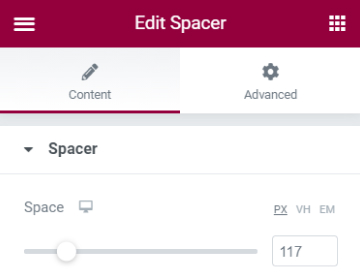
Spacer
- Space - Set the amount of space
Pro Tip: If you wish to fill the spacer with color or an image, go to the Advanced Tab > Background and set a color or upload an image
Set the settings for the Advanced Tab that is appropriate for the element.
