
Add the price of the product by simply dragging and dropping the Product Price Element onto the page. The price will be displayed dynamically since the element will generate content from WP Dashboard > Products page. Easily style and customize the price to match your design.
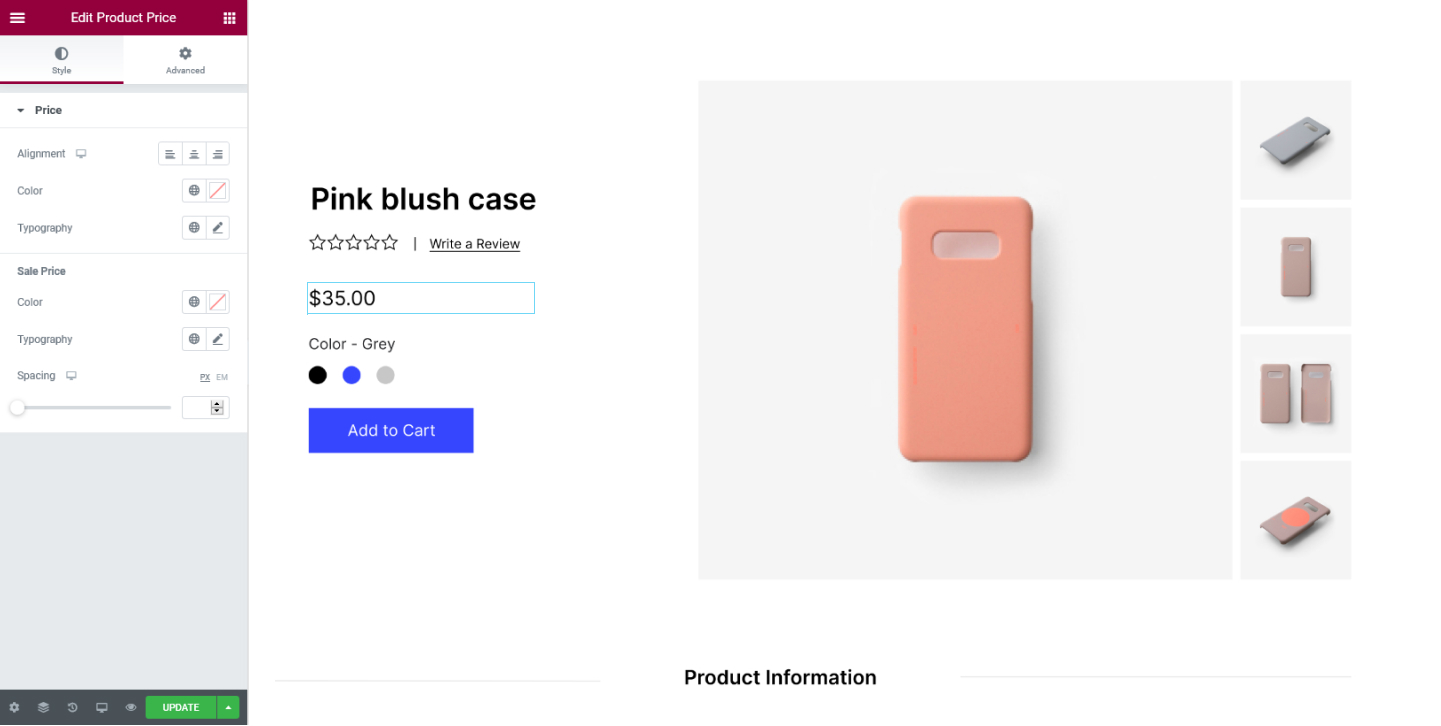
Style Tab
Price
- Alignment - Set the alignment for the price to either be positioned on the Left, Center or Right
- Color - Set the color for the price
- Typography - Tweak the typography options for the price
Sale Price
- Color - Set the color for the sales price
- Typography - Tweak the typography options for the sales price
- Spacing - Set the spacing between the price and the sales price
Set the settings for the
Advanced Tab that is appropriate for the element.
