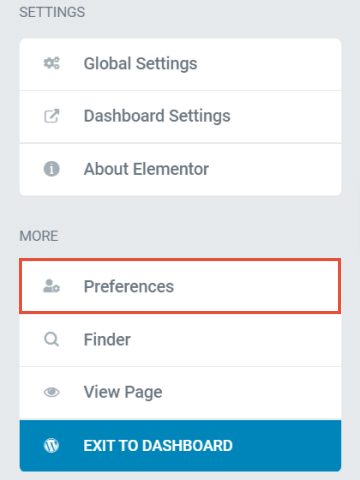
To open Preferences, click on the [hamburger menu icon], scroll down and locate Preferences and click on it.
-
UI Theme - Here you can manage your interface to be Light, Dark mode, or Autodetect
-
Editing Handles - Enabling the switch will allow you to add all the editing tools for the sections, columns, and elements handle. You can duplicate sections, columns, or elements with just a click
-
Enable Lightbox In Editor - You can enable the switch button to allow lightbox either for videos or image