Neuron Themes provides its user's integration with the leading mail collector MailChimp to provide the best marketing email service. By adding MailChimp to your form you can add any submission you receive go straight to MailChimp as a subscriber.
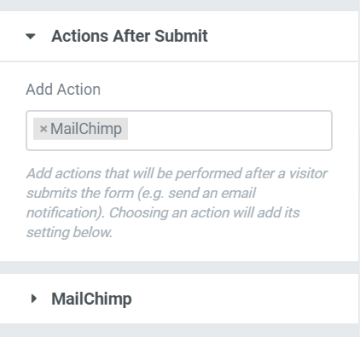
To add MailChimp into your form you will need to go to the Form's settings from the Content Tab go to the Action After Submit section and from the Add Action option, select MailChimp. A new tab label MailChimp will appear right under the Action After Submit will appear.
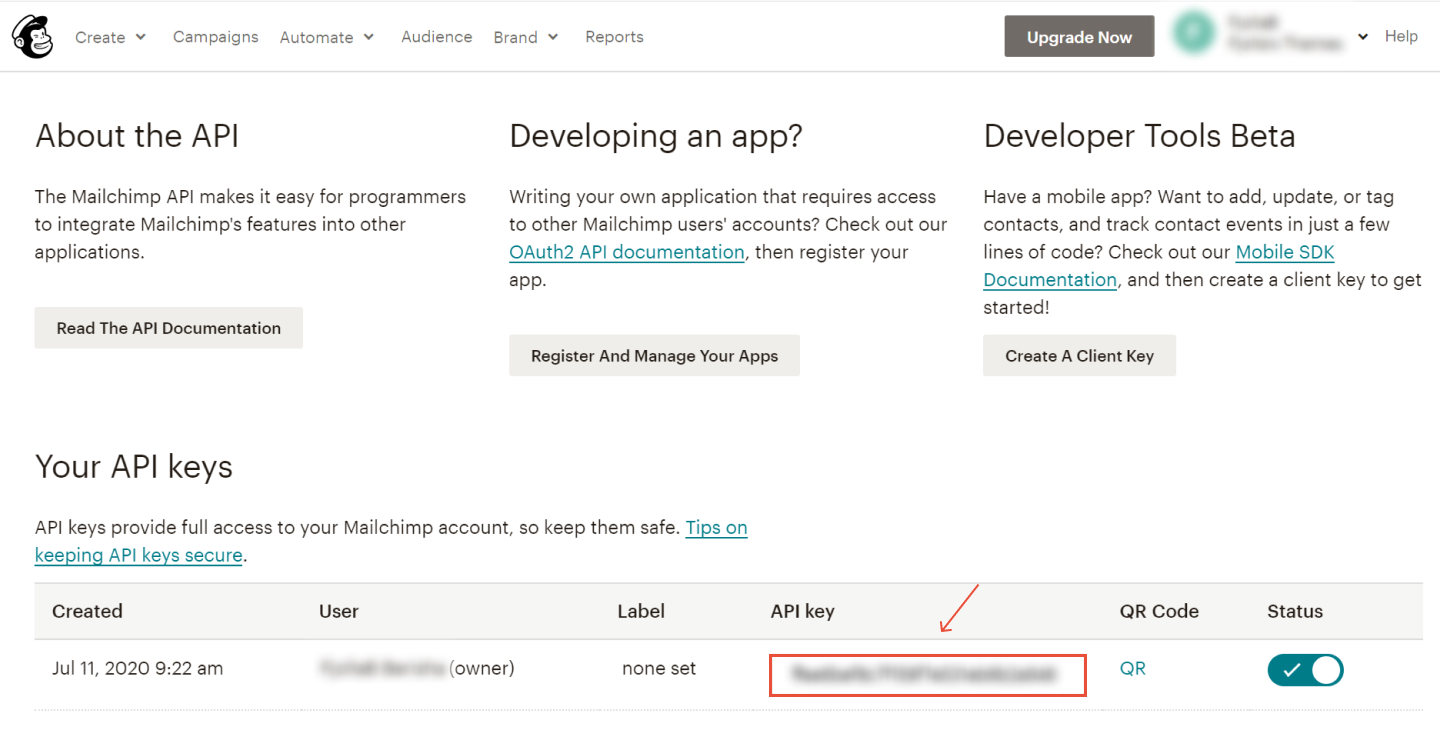
Now you will need to generate your MailChimp API key. Go to your MailChimp account > Profile > Extra > API Key. If you don't have one, click on the Create a Key button.
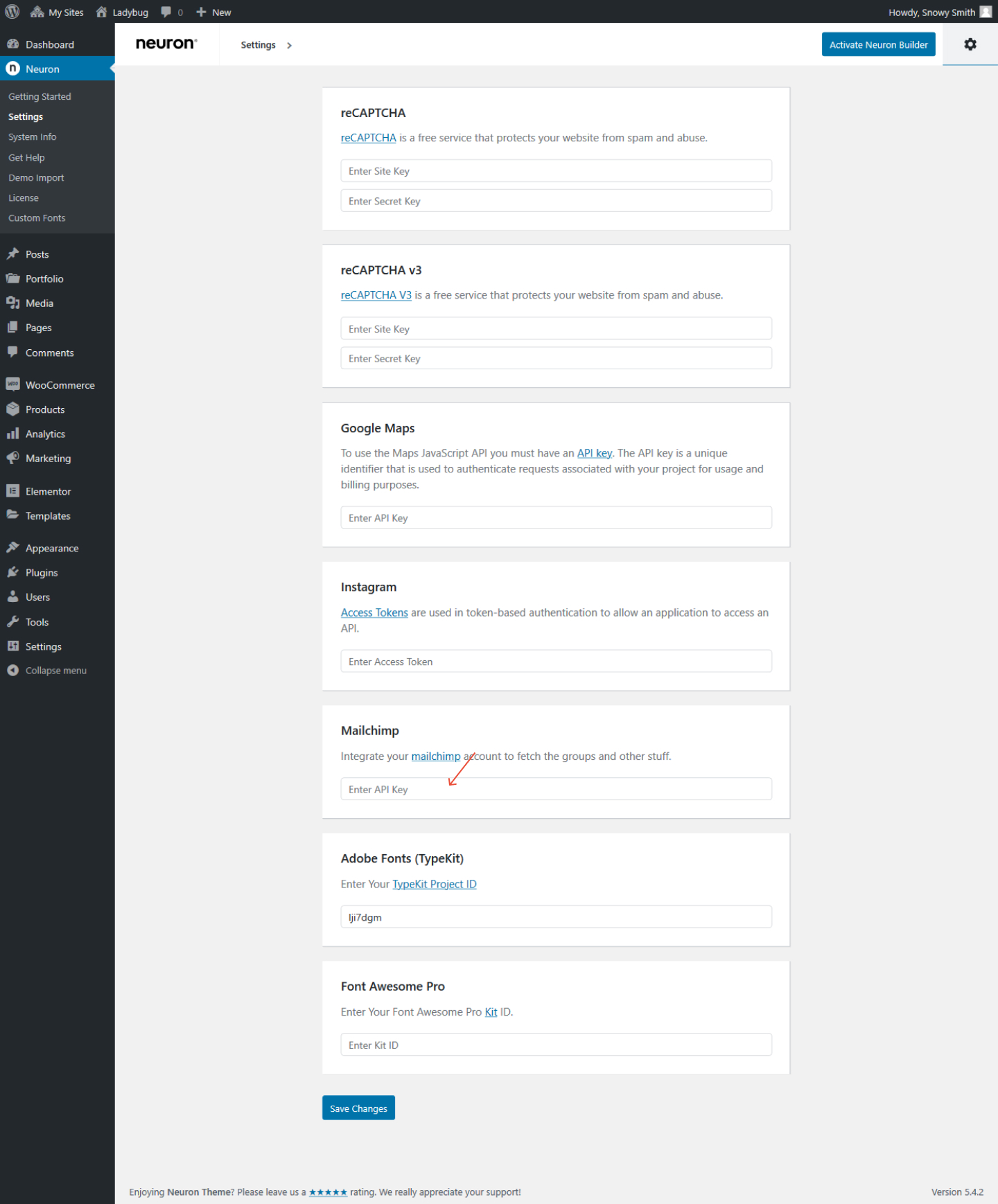
Copy the API Key and go back to the WordPress Dashboard > Neuron Control Panel > Settings, scroll down until you find the MailChimp field, and paste the API Key you just copied.