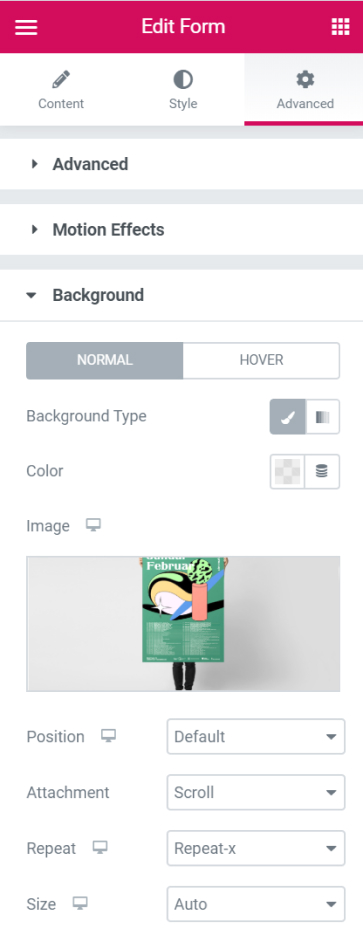
Choose to either active the Normal or Hover state for your From Background
- Background Type - Choose a background type between Classic or Gradient
- Color - Set the color of the background
- Image - Set an image as your background form
- Position - Choose the position of the image from the various options available
- Attachment - Choose for the image to be attached either Scroll or Fixed
- Repeat - Set the image repeat attribute
- Size - Set the size of the background image