
To add movements to your website, you can set animations for your elements once you hover over it. It provides an additional texture of movements on your website, the Hover Effects range from simple and smooth animations to extravagant and attention-seeking animation.
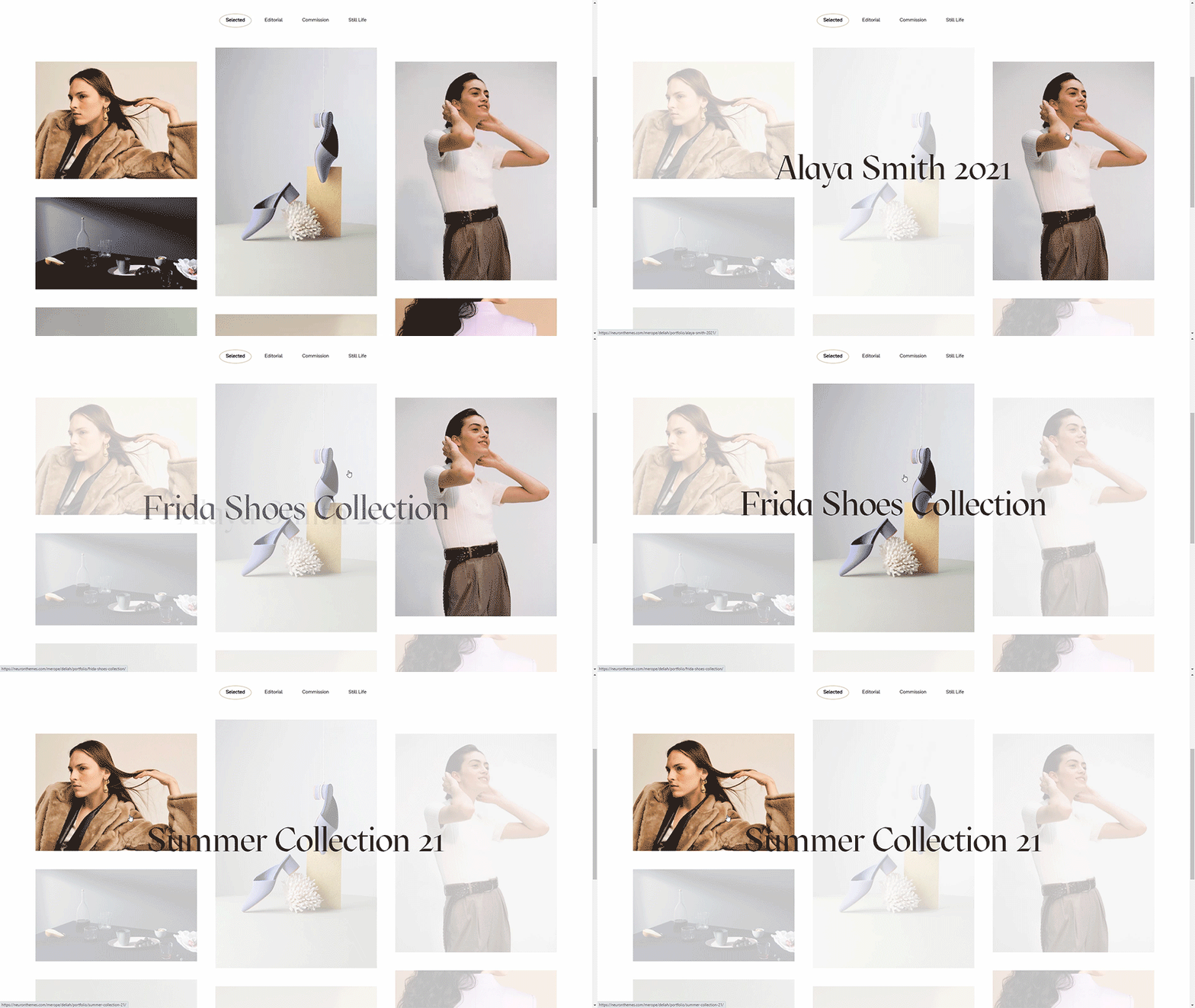
List of Hover Effects
- To find Hover Effects, click on the element, and from the options panel, go to Style Tab > Hover Animation.
- Choose from the dropdown list of multiple animations: Grow, Shrink, Pulse, Pulse Grow, Pulse Shrink, Push, Pop, Bounce In, Bounce Out, Rotate Grow, Rotate, Float, Sink, Bob, Hang, Skew, Skew Forward, Skew Backward, Wobble Vertical, Wobble Horizontal, Wobble to Bottom Right, Wobble Top, Wobble Bottom, Wobble to Bottom Left, Buzz, Buzz Out
