
You can organize and categorize your templates via the Categories section, where you can create new categories and manage template categories from there. To start rearranging your templates
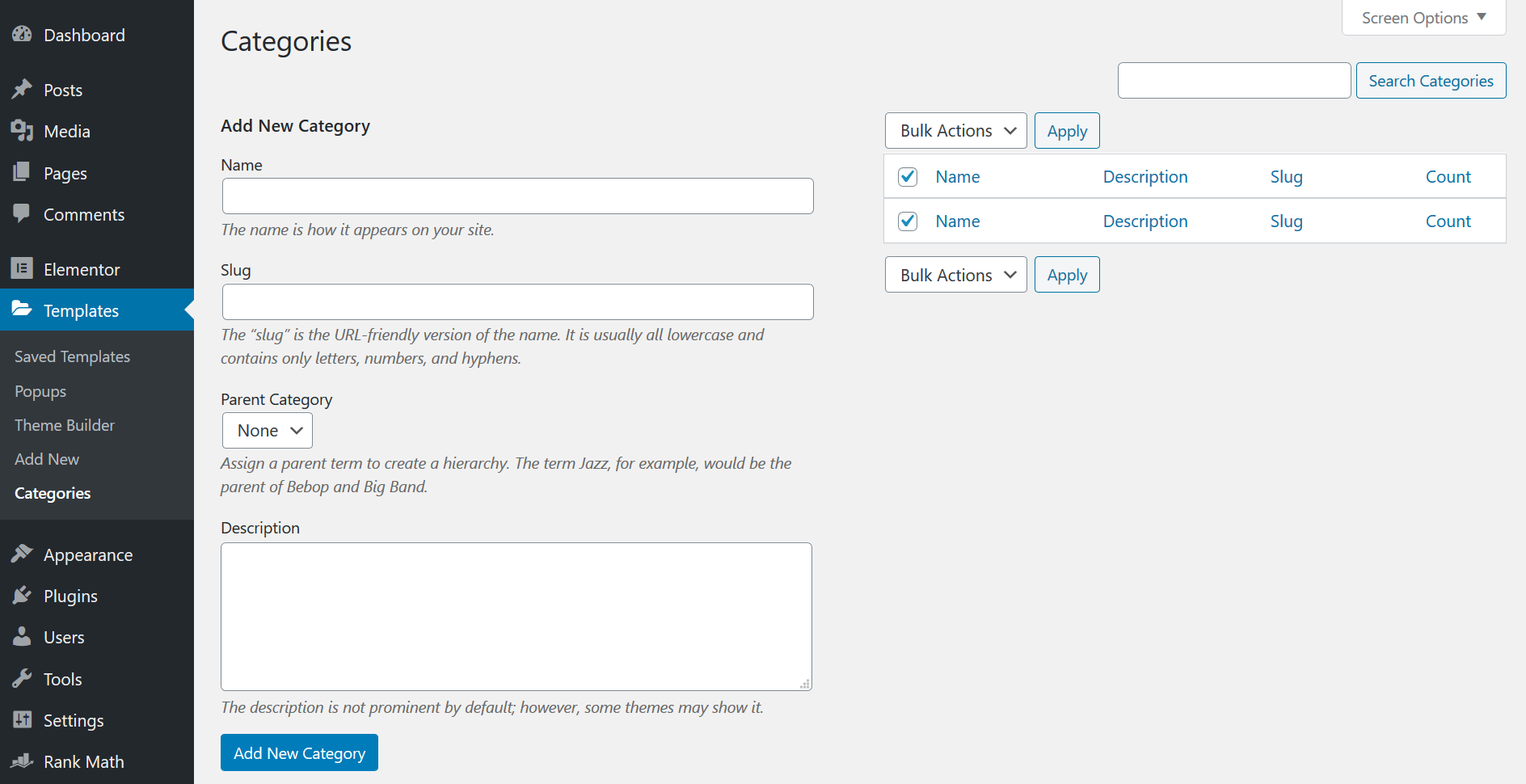
- Go to WordPress Dashboard > Templates
- Go to Categories and start creating the classifications.
- Start by naming your category
- Enter the slug for your category
- Decide if you want to locate the category under any parent category.
- Write a description for your template category and click on Add New Category
