- To start creating your overlay menu go to WordPress Dashboard > Templates > Popups
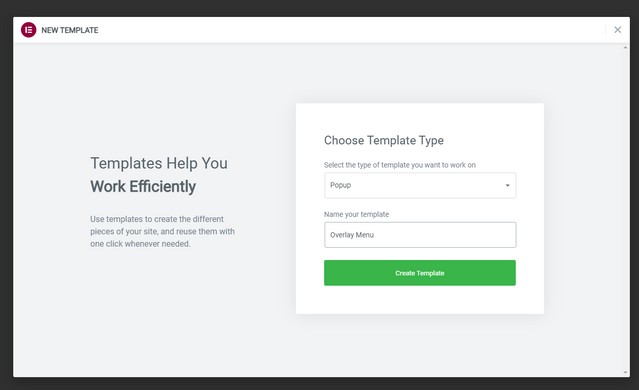
- Click Add New and name your popup template (otherwise it will generate a random name)

- You will then be presented with some beautiful pre-design popup templates that you can easily integrate with just a click.
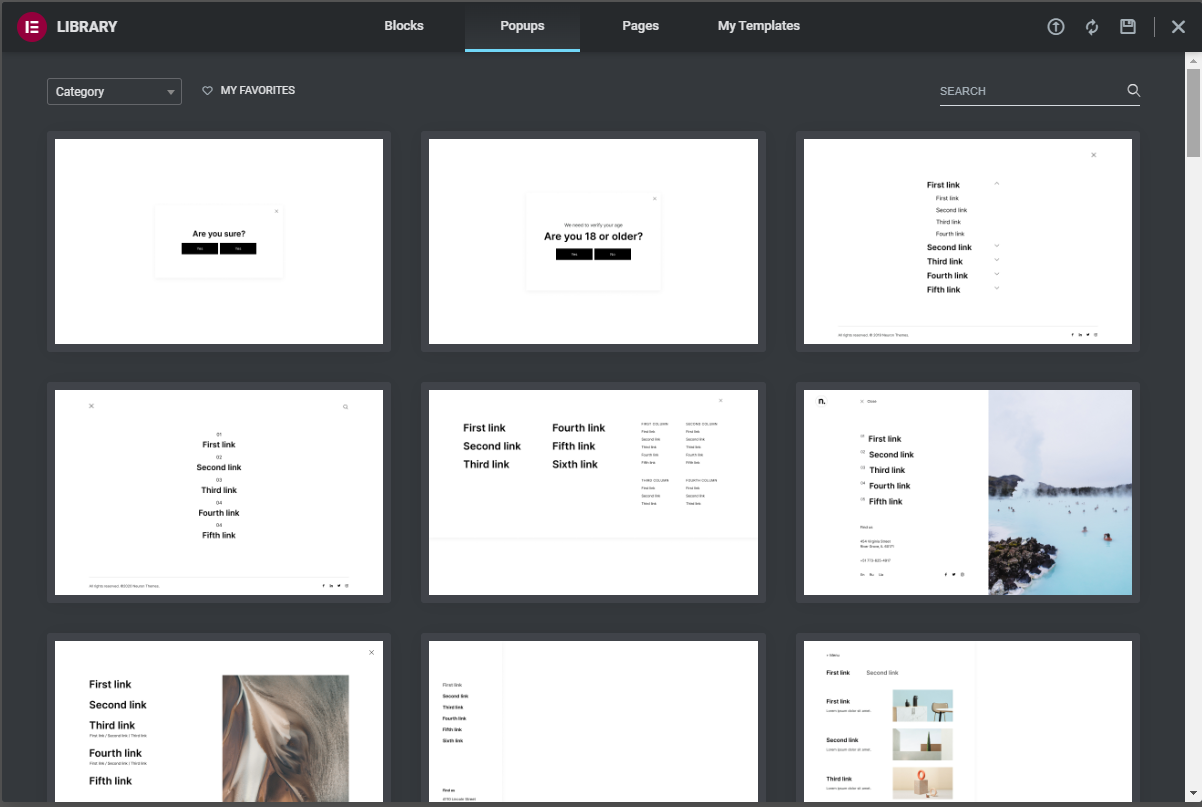
- Choose the popup template you like or design one from scratch. Skip the Neuron Library and build elements on your own to comprise your popup.
- Design and style your popup
- After you're done editing, you can go to the Popup Settings and set them up before publishing it.
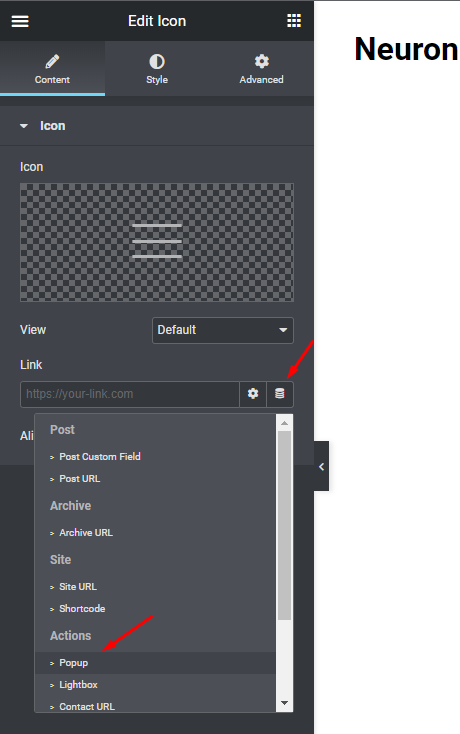
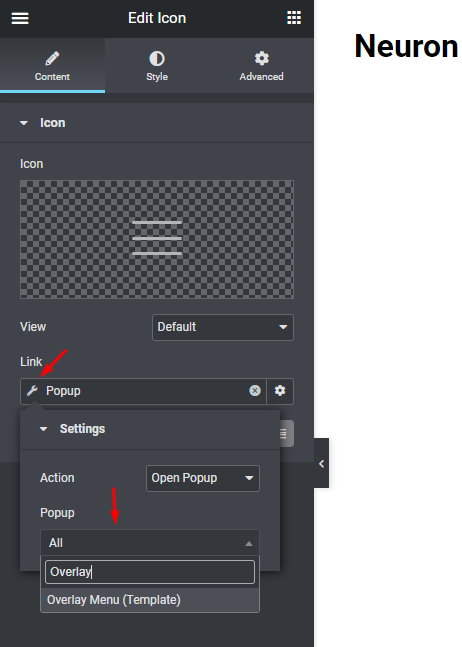
- After publishing the Popup template, go to your header template, add an Icon and link it with the Popup by clicking on the Dynamic Tags option > Popup and choosing the popup you've just created.