
Neuron Themes will provide you with all the necessary tools to build the most exquisite online stores and offers all the high-end elements to craft it block by block. The extended capabilities of each element offer a wide range of possibilities to fully build WooCommerce stores that sell.
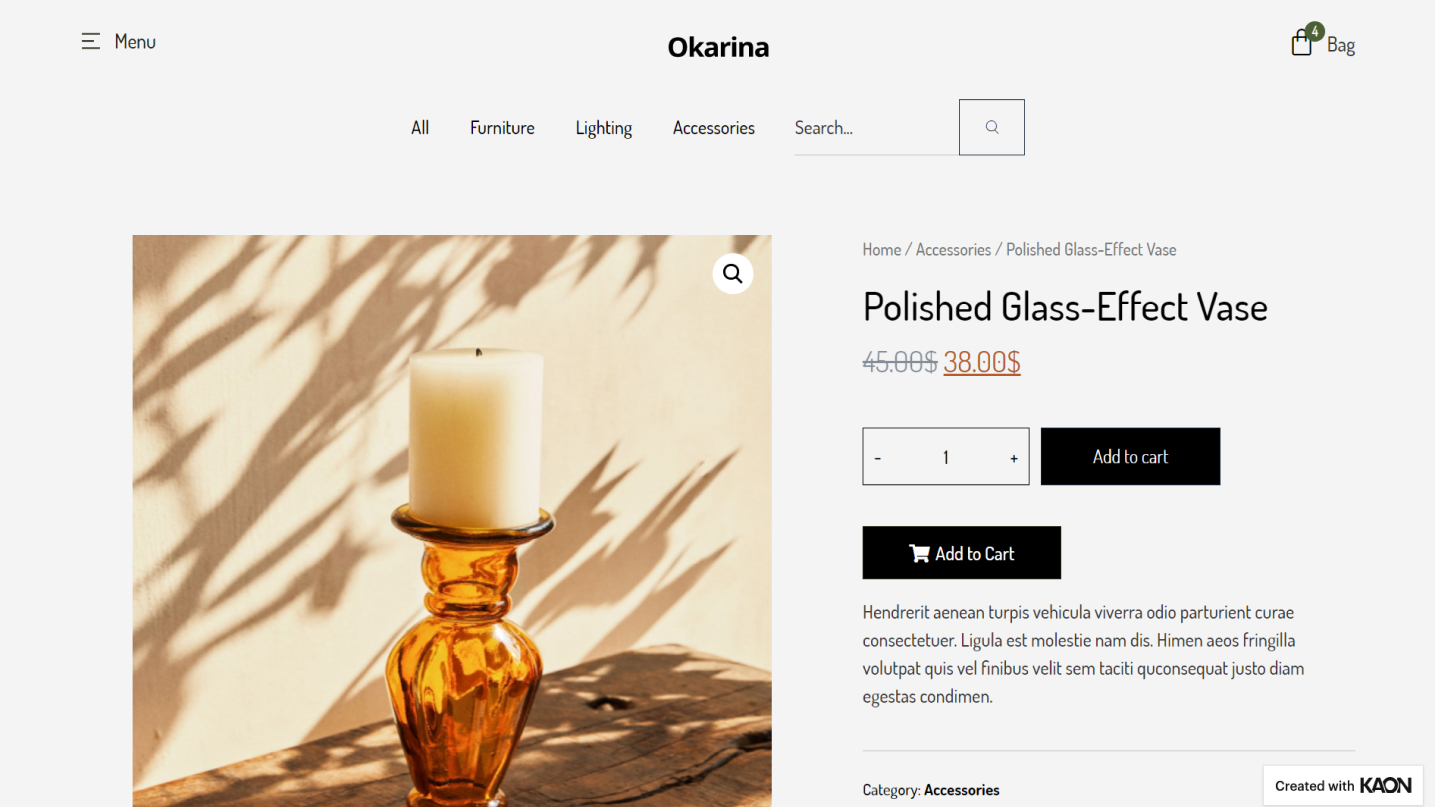
- To start creating your Single Product Template you will need to go to WordPress Dashboard > Templates > Theme Builder
- From There choose the Single tab on the window preview and click Add New at the top of the page.
- Name your template and start designing
- Choose from the amazing pre-design templates of singe post templates that our design team has crafted, choose the one you like, and insert it with a click. You can alternatively design yours from scratch.
- When you are done editing and designing set the Conditions as to where you want the single product template to be attributed.
- Click on Publish and there you will have it.
