
Besides the beauty of working on a live mode interface, there is always another on-the-back burner storage that keeps the data organized and collected. To place your products on the page and design them beautifully using the power of Neuron Builder, you must first set all the data on the backend. Here we will start with Product Price.
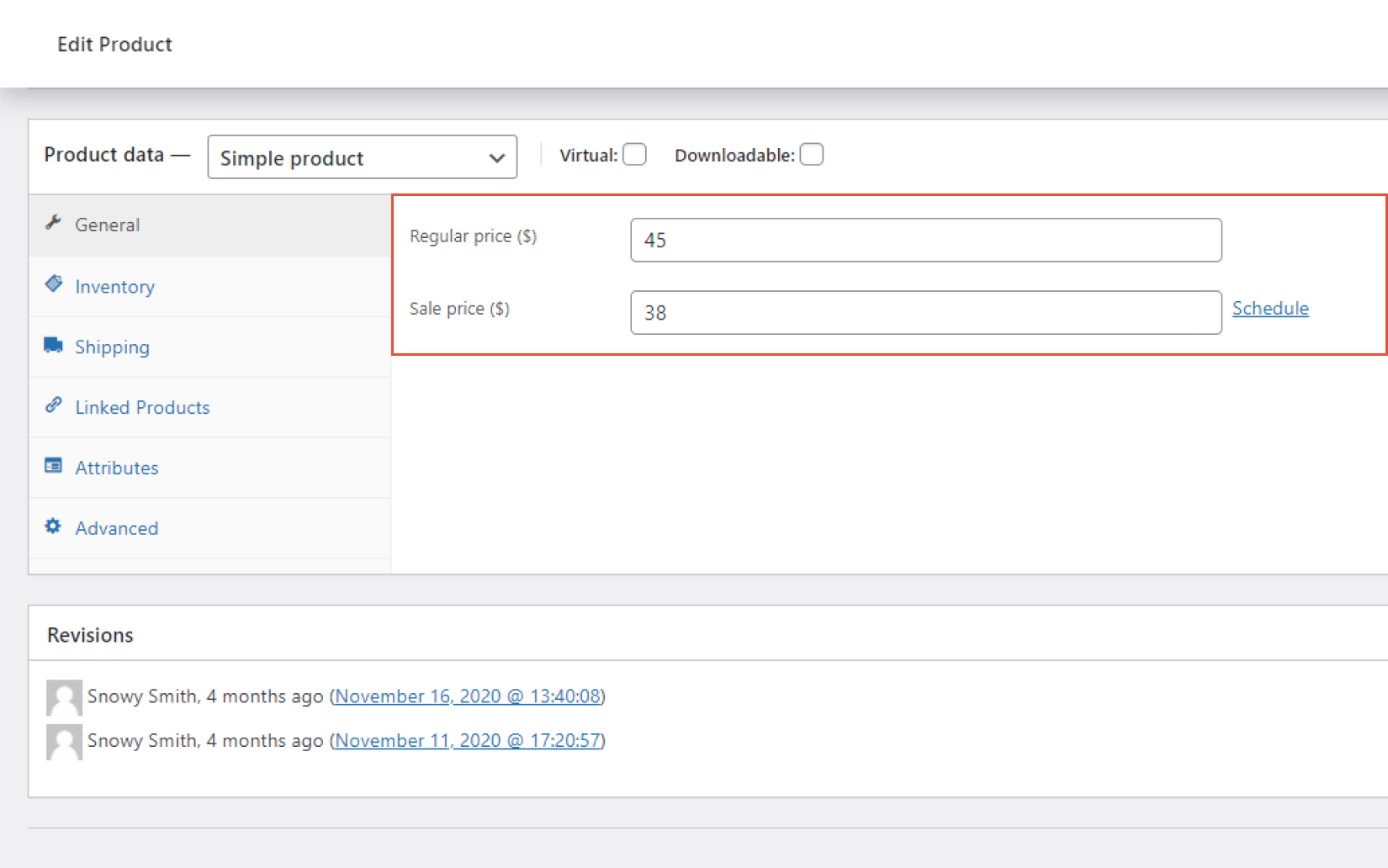
- From the WordPress Dashboard > Products
- Click on Add New
- Set the Title of the Product
- You can add a short Description for the Product
- Under the Product Data section > General, you can write the price of the product
- You can also set a sale price under the Sale Price ($) option
