To provide comprehensive information on all your products, you can place all the needed data on the backend and put the on display using the Product Meta Element which you can edit and design as per your desire using Neuron Builder.
- From the WordPress Dashboard > Products
- Click on the Add New button to start creating your product page
- Type in the title of the product
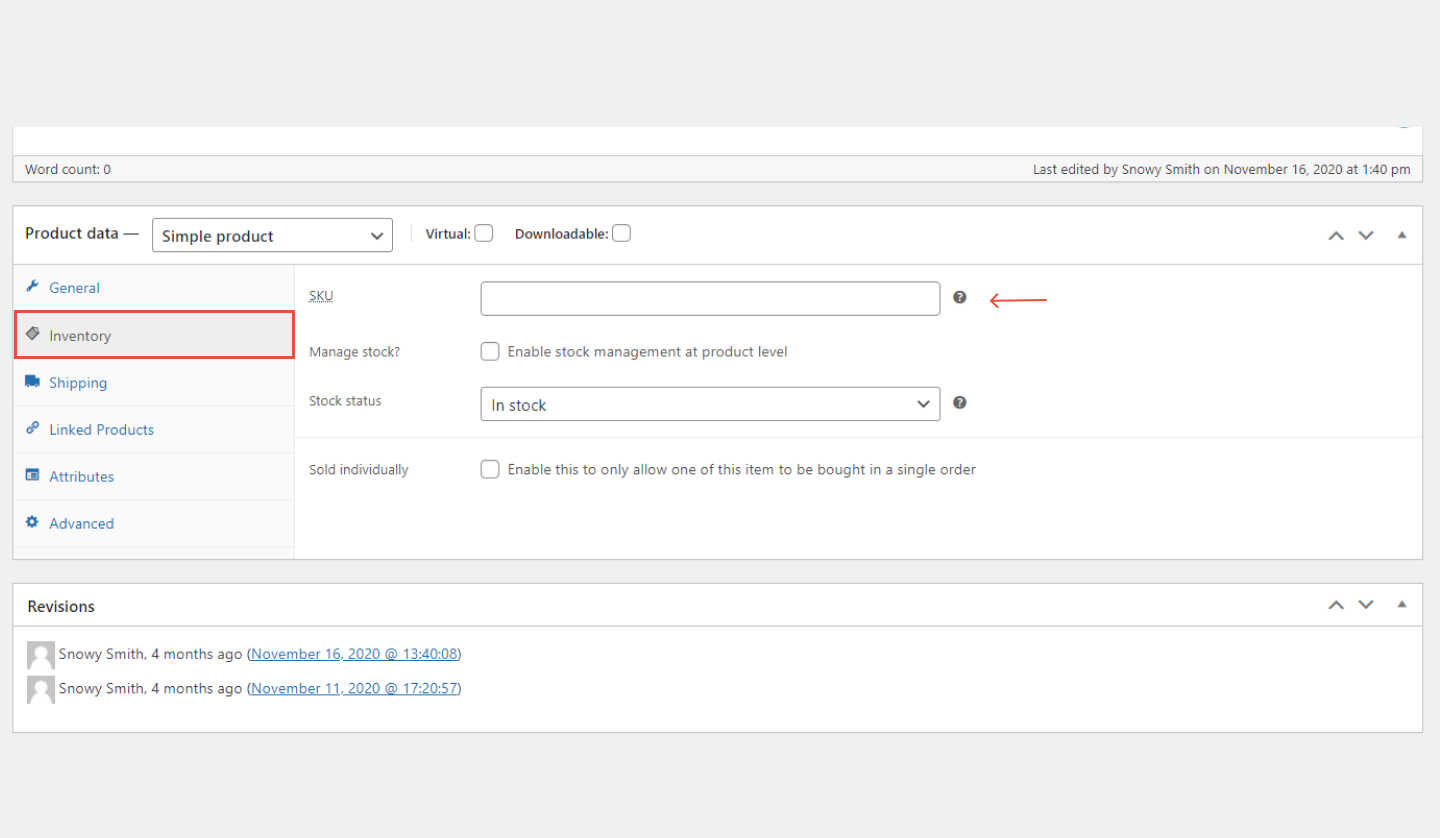
- On the same action as the Product Price, under Inventory, you can find SKU
- From there you can enter the stock-keeping unit that is unique for each product