
In web design, a lightbox is a popup module that overlays the screen, blocking some of the content only to display the image or the content designated for the lightbox. While designing your single product pages, you can choose to disable the lightbox appearance, with these easy steps.
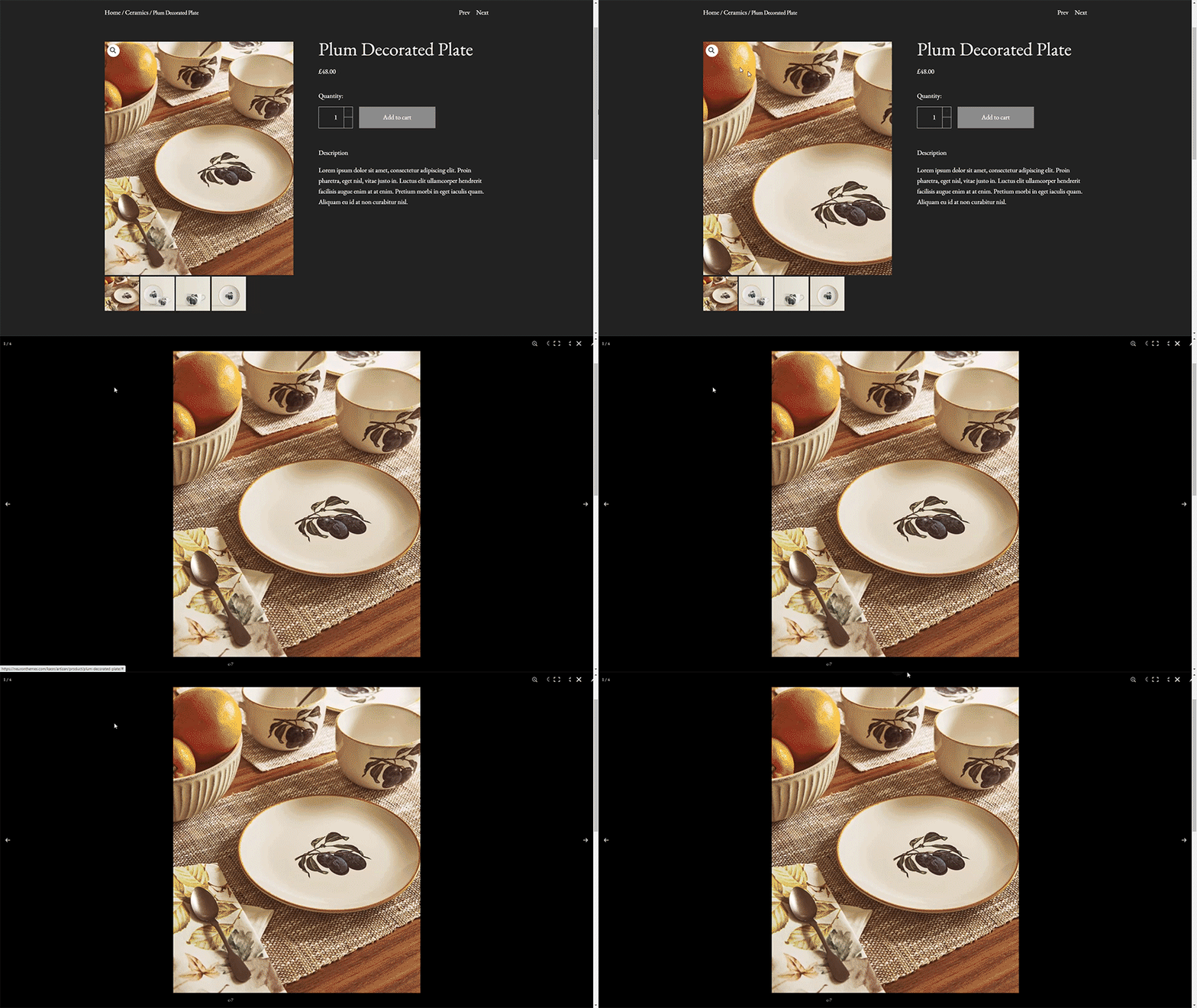
- Add the following PHP script in functions.php of the child theme or via the plugin code snippets.
- To simplify the job, install the Code Snippets plugin, which allows you to way to run PHP code snippets on your site. It removes the need to add custom snippets to your theme’s
functions.phpfile. -
add_filter( 'woocommerce_single_product_image_thumbnail_html', 'wc_remove_link_on_thumbnails' );<br>function wc_remove_link_on_thumbnails( $html ) {<br> return strip_tags( $html, [ 'div', 'img' ] );<br>}
