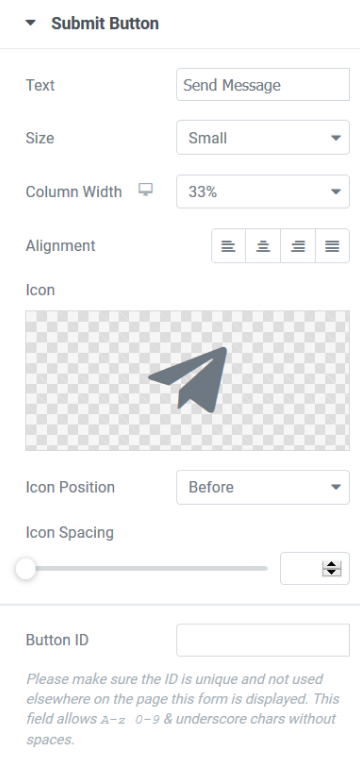
- Text - Choose the text to be displayed in the button
- Size - Set the size of the button
- Column Width - Set the width of the button
- Alignment - Align the button either Left, Center, or Right
- Icon - Choose to add an icon on your button
- Icon Positioning - Set the icon before or after the button
- Icon Spacing - Set the spacing between the icon and the text
- Button ID - You can assign a unique ID for your button for use in external scripts when needed